
How to Search Cases by Name
Every name search in Orleans Parish begins with one step. Know which court holds the case. Civil District Court runs name searches through the Civil Clerk's Remote Access system, which asks for names in the form "Last Name, First Name" and lets you search on just a portion of a name. A broad civil name search can return hundreds of result pages, so narrow it with a filing-date range, case type, division, or exact case number whenever you can. For criminal matters, Criminal Clerk Connect offers a Defendant Name or Case Number search. Municipal and Traffic Court takes last name, first name, and date of birth, though its public form reaches only that court's own cases.
- Read the notice, citation, pleading, or prior docket and identify the Orleans Parish court that created the case.
- Open the matching court service. Civil cases use Remote Access, state criminal cases use Clerk Connect, and Municipal and Traffic cases use the court’s separate public search.
- Enter the name in the form the service requests. In civil Remote Access, begin with last name and first name; in the traffic form, include date of birth when needed to narrow a common name.
- Apply a case type, filing-date, division, or court boundary when the particular Orleans Parish search offers it.
- Open the candidate result and compare its court, case number, parties, and dates before reading any docket events.
The civil search fields come from the official Remote Access manual. Some options appear only after account login. Even a field marked optional can help narrow an Orleans Parish case search.
| Field label | Type | Required | Orleans Parish notes |
|---|---|---|---|
| Case Number | Text | No | Quick Jump can open a known civil case number; the manual does not publish its mask. |
| Case Title | Text | No | Search a full title or a portion of the title. |
| Case Type | Dropdown | No | Shown as “Choose One”; options display after login. |
| Filing Date From and To | Date | No | Limits an Orleans Parish civil search to a date range. |
| Litigant Name | Text | No | Use last name, first name; portions are searchable. |
| Section or Division | Dropdown | No | Selects the court unit assigned to the civil case. |
| Attorney Bar Roll Number | Text | No | Used through the Attorney Search route. |
Orleans Parish Case Search Paths
Each search path in Orleans Parish follows the court's jurisdiction. The Civil Remote Access login is an account-gated subscription service covering Civil District Court records. For criminal cases, the City's current route is Clerk Connect, where an account holder selects the free Orleans Criminal Inquiry subscription to view records. The Municipal and Traffic Court search is the clearest free public form, but it covers only Municipal and Traffic cases, and it sends people with pre-2002 cases to contact the court directly. First and Second City Courts offer no official public name-search database. Their clerk counter, telephone, and case-number routes remain part of any complete Orleans Parish search. Juvenile matters are generally confidential. Federal Eastern District of Louisiana cases live in PACER rather than any local Orleans Parish portal, though the federal courthouse provides public terminal access to PACER case information. Pick the court first. That habit keeps a failed search from being mistaken for proof that no case exists.
| Case class | Primary lookup | Important limit |
|---|---|---|
| Civil, domestic, succession, or probate | Civil Remote Access and Civil Clerk records | Subscription, escrow, and image coverage vary. |
| State criminal | Clerk Connect criminal inquiry | Criminal access is transitioning from former Docket Master. |
| Municipal or traffic | Municipal and Traffic search | Public web search excludes pre-2002 cases. |
| First or Second City Court | Clerk contact and case number | No official public name-search database was located. |
| Federal Eastern District case | PACER and federal court records | It is not a Louisiana trial-court portal. |
The official Municipal and Traffic Court payment portal also links toward the court's ticket services.
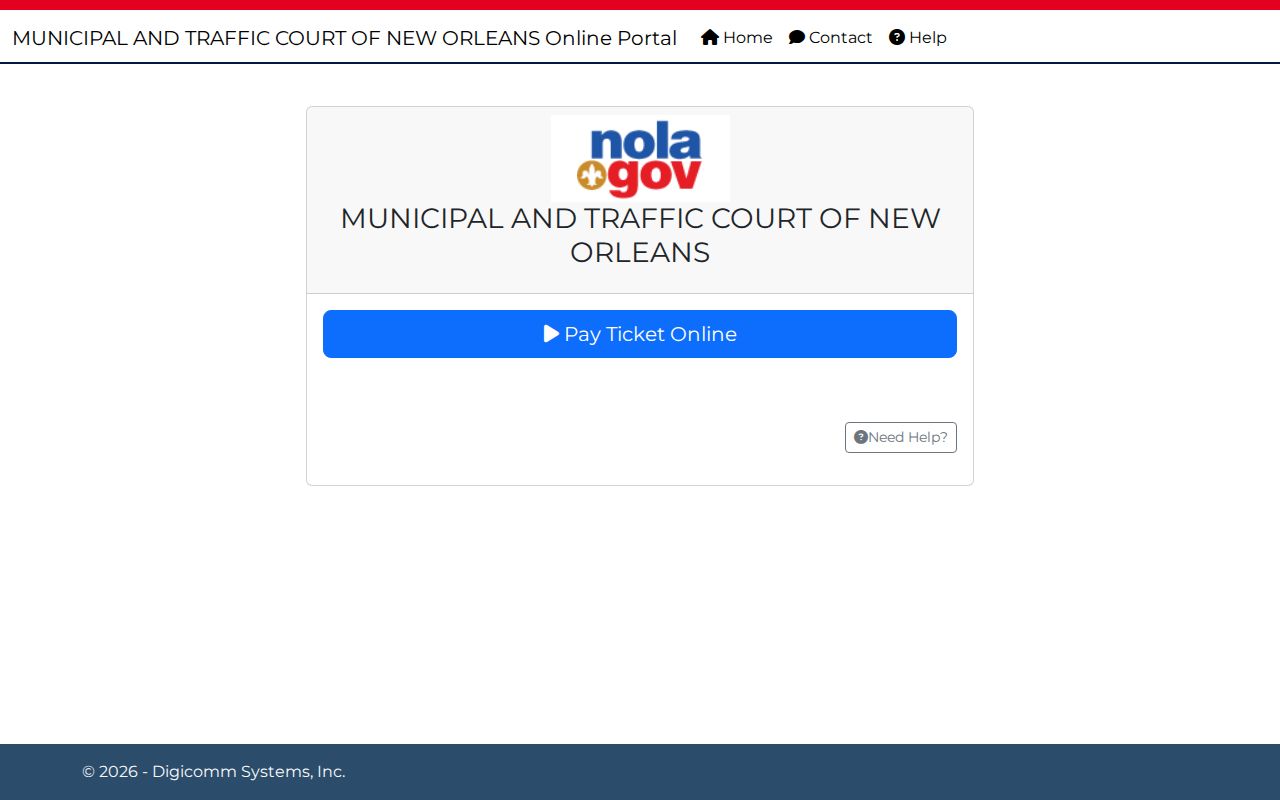
Searching a Municipal and Traffic case and paying one are separate Orleans Parish actions. The court's sites may connect the two, but each serves a different purpose.
How to Search by Case Number
A case number is usually less ambiguous than a name. Still, Orleans Parish systems publish no single universal number format. Copy the number from the court paper exactly, punctuation included. Civil Remote Access displays a civil case number, but its manual states no mask. Clerk Connect supports a criminal case-number search without publishing a complete validation pattern. Municipal and Traffic Court accepts a case number. It lists no required citation format. First City Court's constable service portal is the documented exception. It demands the form YEAR-CASE NUMBER, such as 2017-00276, dash included. A federal Eastern District example looks like 2:26-cv-01861-SSV-KWR. Each example describes only its named system. Neither is a format to impose on a different Orleans Parish case. If a copied number fails, compare the court name. Check every character. Then call the court or clerk that owns the record. Never bend the number to fit a guessed local pattern.
Orleans Parish Traffic Case Search Fields
The public Municipal and Traffic Court search covers only that court. The form needs no court-type selector. Its fields are Case Number, Last Name, First Name, Date of Birth, Search, and Clear Search. Nothing is marked required in the public HTML. For an Orleans Parish ticket or municipal summons, start with the exact case number. If you lack it, use the complete name plus date of birth. That cuts down common-name matches. The search page directs anyone with a case filed before 2002 to contact the court. The first appearance date is printed on the ticket or summons. It stays important even when a web result is missing. A search route and a payment route are not the same thing. The search locates the court case. The court's separate ticket service handles the action available on that matter.
Orleans Parish Civil Case Search Fields
Civil Remote Access works in two layers. Case Search finds the civil case. An information icon then opens Case Information. There, the official manual lists what may appear: Case Number, Division-Section, Case Title, Case Type, Date Filed, Date Entered, Category, LASES, Other, and Remarks. A Pleadings button opens the chronology of filed pleadings and documents. Clicking its information icon can reveal the filing date. It may also reveal the filer, whether a signature is required, the date signed, and related pleadings. Remember what this system is. Remote Access belongs to the Civil Clerk, not to any statewide public court portal. Data entry goes back to 1985, and images reach back to 2010. Subscriber access adds clerk data entry plus images from December 14, 2015 forward. Published prices run $20 for 24 hours, $100 for 30 days, and $700 for 365 days. Printing or downloading images takes a separate escrow balance. Those charges sit apart from ordinary copy and certification fees.
Civil record distinction: Case Information is the public-facing case metadata, while Pleadings and Documents is the filing list behind it.
A scanned image may be available through the account and escrow workflow, but it is not the same as a certified copy from the legal custodian.
For a hearing already set in a civil case, the assigned division or section controls the setting. Pin down that court unit from the case information. Then confirm the date through Court Dates and the confirmation path for that specific court.
What a Case Search Shows
Fields vary by court in an Orleans Parish case search. Civil Case Information gives the case number, division-section, title, type, filed and entered dates, category, LASES, other information, and remarks. Criminal results look different. A criminal inquiry can show a defendant or party name, case number, case type, court section, event or minute date, hearing type, ruling or minute entry, and any current or future court date. The docket tells you which court produced it. Municipal and Traffic results stay limited to that court's own records.
| Case number | The identifier assigned by the court and the safest way to confirm the Orleans Parish result. |
|---|---|
| Style or parties | The civil case title or criminal defendant and party information shown by the particular court view. |
| Court and section | The Civil District Court division-section, Criminal District Court section, or other Orleans Parish court that owns the case. |
| Case type | The civil type, or a criminal Magistrate, Criminal, or All selection where the inquiry uses those labels. |
| Dates and events | Filed and entered dates, pleadings, minute entries, or a setting, depending on the available local view. |
| Status or remarks | Information recorded by the system, which should be read with the full case history rather than alone. |
One short line is never the whole outcome. A criminal minute entry may not be the signed judgment, and a docket result is not automatically a certified record. When a record must be official, ask the Orleans Parish clerk that holds it.
Orleans Parish Criminal Case Inquiry
Criminal case records are shifting from the old Docket Master workflow to Clerk Connect. The City of New Orleans guide walks through the steps. Create an account first. Then choose the Orleans Criminal Inquiry subscription. Search by Defendant Name or Case Number from there. Viewing is free after that selection, the guide says. Printing may still bring a cost. The inquiry helps with dates, rulings, and minute entries. It is no promise that every historical document or certified record has moved online.
The court structure itself changed in 2026. The former Clerk of Criminal District Court office was abolished. Its end date was May 3, 2026. Its records and functions then passed by law. They went to the Clerk of Court for the Parish of Orleans / Clerk of Civil District Court, Chelsey Richard Napoleon. Older Criminal Court pages and web domains can still carry legacy labels. The judicial Criminal District Court sections keep operating. If a criminal docket result is missing or incomplete, confirm record routing with the clerk. Never assume the old and new portals are separate systems.
| Clerk Connect control | What it does | Orleans Parish use |
|---|---|---|
| Criminal & Traffic Inquiry | Main case inquiry | Search by Defendant Name or Case Number. |
| Case Type | Dropdown | Magistrate, Criminal, or All when the interface offers the choice. |
| Minute Search | Minute-entry review | Use with the inquiry when the event history needs context. |
| Daybook | Event or daybook material | One of the distinct criminal information views. |
| Court Calendar | Settings view | Use to locate a setting, then confirm with the assigned section. |
County vs Statewide Case Search
No single front door exists. Louisiana has no public statewide trial-case search covering Orleans Parish. The Louisiana Supreme Court posts public opinions and docket material. That is not a parishwide trial-case lookup. Its Court Data/Document Exchange, called CDX, serves Supreme Court filings by counsel. Civil Remote Access is clerk-specific and includes civil e-filing through its account. Clerk Connect handles criminal inquiry. Neither one builds a public statewide database combining Civil District Court, Criminal District Court, city courts, Municipal and Traffic Court, juvenile matters, and federal cases.
| Statewide public trial-case search | Orleans Parish court-specific search |
|---|---|
| No equivalent public Louisiana trial-case portal was located. | Use the originating court’s portal, clerk, or counter. |
| Supreme Court CDX is counsel-only for Supreme Court filings. | Civil Remote Access and Clerk Connect cover different local court functions. |
| It cannot supply a complete parish case history. | Municipal/Traffic, city-court, juvenile, and federal paths remain separate. |
The real comparison is not statewide versus county coverage. Match the exact Orleans Parish court named on the paper to the local source that holds that court's record.
Orleans Parish Case Search Costs
Online access does not carry the same terms at every Orleans Parish case source. Civil Remote Access publishes subscription prices for several terms. They run $20 for 24 hours, $100 for 30 days, and $700 for 365 days. An escrow balance is also required to print or download images. That escrow sits apart from copy fees. The civil subscription is distinct from the Civil Clerk's copy fees. Those run $1 per page for regular copies and $3 per page for certified copies.
Clerk Connect works differently. The City guide describes viewing as a free Orleans Criminal Inquiry subscription after account setup. Printing may create a cost, though. Municipal and Traffic Court offers its own public case search with no listed search charge. The official criminal pages post no simple per-page criminal-copy fee or turnaround. A visible result is not a price quote. Check first. Ask the clerk about the current process before ordering any document.
Orleans Parish Case Search History
Old cases behave differently online. An older Orleans Parish case may carry metadata with no image, or return no portal result at all. Civil Remote Access starts data-entry information in 1985. Its image ranges depend on system and subscription. The Civil Clerk reports that old completed files, including domestic and succession material from 1918 through 2003, may sit in the warehouse and Annex Record Room. Municipal and Traffic Court asks people with pre-2002 cases to contact the court. Criminal official pages promise no complete online year range. The Civil Clerk's civil departments information lays out the Record Room, department dockets, and routes for historical files.
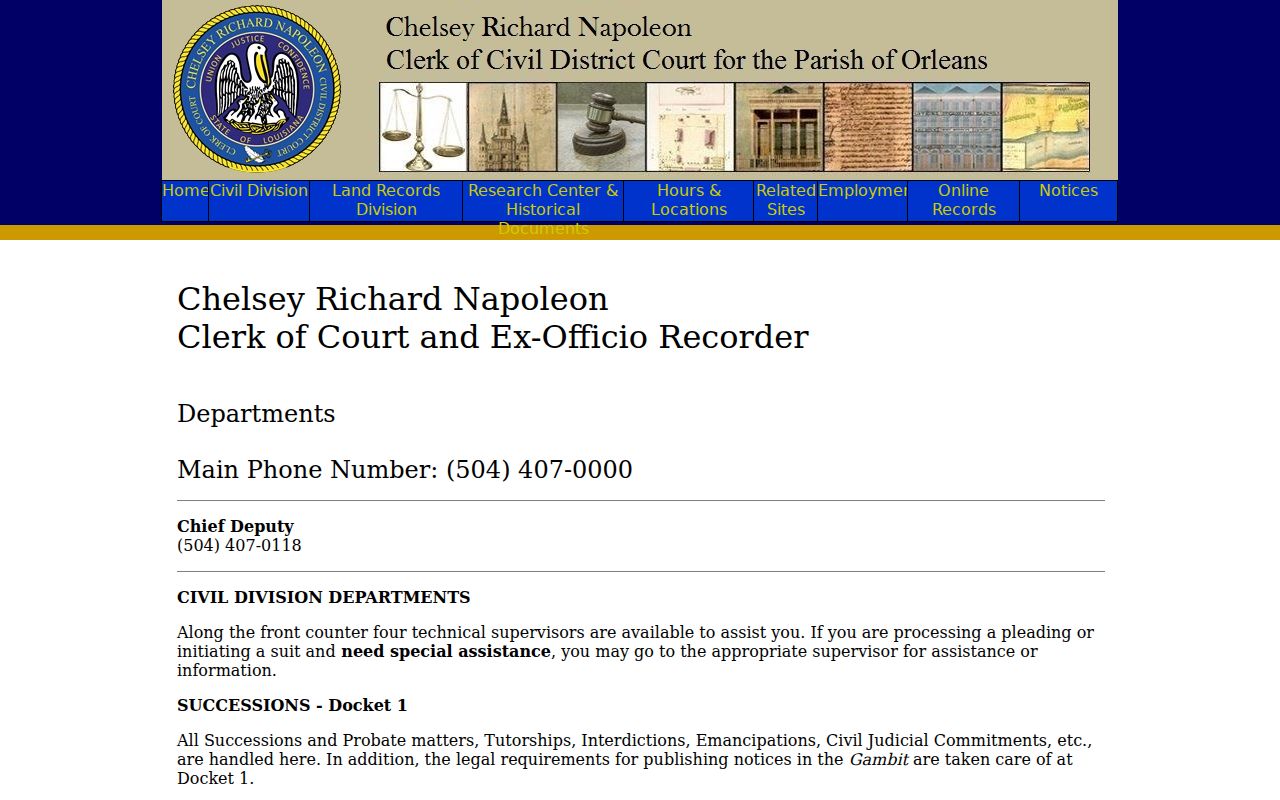
An Orleans Parish case search sometimes comes back thin. You may see a partial history. You may also see a docket entry with no document image behind it. When that happens, the Record Room and other clerk routes still matter. The paper file often holds what the web view lacks.
A failed name search is not the end of the road either. Recheck the spelling, or search with the exact case number instead. Confirm you are in the right court, and try widening or narrowing the date range. If the screen still shows nothing, call the clerk. You can go to the counter. You can also send a written request. A blank result on a website does not prove an Orleans Parish case never existed.
Restricted Cases and Access Rules
Not every Orleans Parish matter is open to a public web search. Juvenile Court records and reports stay confidential under Louisiana Children’s Code article 412. Adoption, child-welfare, and protected-family files get the same shielding, and personal identifiers are often redacted. A sealed case may be omitted entirely, marked restricted, or shown with no image. So a public docket shell does not open every document inside a case.
Expunged arrest or conviction records carry their own rule. They are confidential under Louisiana Code of Criminal Procedure article 973. Only that article's narrow exceptions apply. While processing runs, the public view may show nothing at all. It may show just a thin administrative trace. Ask the office holding the record about the proper access process. Do not read meaning into a blank screen. Public access never overrides a sealing order or a specific confidentiality law.
Orleans Parish City Court Case Searches
First City Court and Second City Court keep separate limited-civil dockets. First City Court serves the East Bank. Second City Court serves Algiers and the West Bank. Neither court offers a general public name-search portal online. So a parish-level search that returns nothing tells you little about whether a City Court case exists.
Use the court named on your petition, notice, or judgment. Give the clerk the case number whenever you have it. The counter and the telephone remain the practical case-search routes for these local courts. First City Court publishes docket-department lines. Second City Court lists its clerk contact and forms. That path is separate from Civil Remote Access. That system belongs to the Civil District Court, not to either City Court.
Orleans Parish Case Records Fallback
When an online Orleans Parish case search comes up short, make a targeted request to the office that holds the file. Include the case number, the court, and the division or section. Add the party or defendant name, the filing or violation date, and the exact document or event you need. Civil public-record requests go to cdcclerk@orleanscivilclerk.com. The Civil Clerk's general phone is (504) 407-0000, and the Record Room line is (504) 407-0036. For civil matters in person, use the Record Room or the Room 402 counter. Regular civil copies run $1 per page. Certified copies are $3 per page.
Criminal records follow a different door. Criminal Court's document-request page sends felony and misdemeanor requests to the clerk record function at 2700 Tulane Avenue, phone (504) 658-9000. The court publishes no simple per-page criminal-copy fee or turnaround time. So call before you submit anything. Municipal and Traffic Court takes record requests by mail, email, or in person at 727 South Broad. Its records page lists MTCNOClerk@nola.gov. It asks for a full name or aliases, date of birth, and violation or arrest dates. Include a description of what you want and a return address.
City Court files are separate clerk records too. First City Court's clerk counter sits in Room 201, with a (504) 407-0400 line. Second City Court's counter is in Room 206, at (504) 407-0435. When criminal records transfer, the current parish clerk holds them legally. But that custody does not merge those city-court files into one Orleans Parish search. A plain copy serves for reading. When you need an official copy, the legal custodian issues a certified one under the court seal.